
Customizing Interface Layouts and Notification Alerts on a High-Frequency Trading Online Platform
1. Designing Your Trading Workspace for Speed
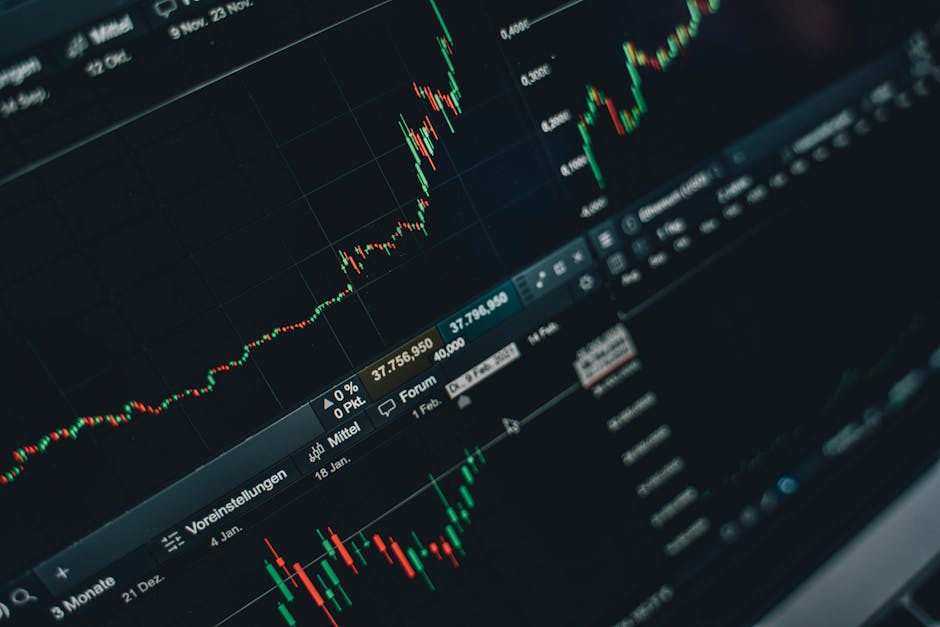
On any high-frequency trading online platform, the interface layout directly impacts reaction time. Most platforms allow you to rearrange modules such as order books, charts, and trade tickets. Drag-and-drop functionality lets you position the most critical data-like bid-ask spreads or recent fills-at eye level. Grouping related tools into tabs or floating windows reduces clutter and prevents accidental trades.
Grid and Multi-Monitor Support
Advanced platforms offer customizable grid systems. You can lock panels to specific positions or create multiple workspace profiles. For example, one profile can display a heat map and Level II data, while another focuses on chart patterns and execution history. Multi-monitor setups allow you to stretch a single workspace across screens, displaying price ladders on one and news feeds on another. This segmentation prevents information overload during volatile sessions.
Keyboard shortcuts are equally vital. Assign hotkeys to switch between layouts, toggle dark mode, or execute predefined trade sizes. The goal is to minimize mouse movements and cognitive load, enabling split-second decisions without breaking concentration.
2. Configuring Notification Alerts for Precision
Alerts in HFT environments must be distinct and actionable. Generic pop-ups are useless; instead, use conditional triggers. Set price-based alerts for specific timeframes, such as a breakout above a 10-second moving average. Volume spikes or unusual order book imbalances can trigger audible alarms or color-coded signals on the interface.
Multi-Channel Delivery
Modern platforms support push notifications to mobile devices, desktop toast messages, and even email for non-urgent updates. Prioritize alerts by urgency: critical signals (e.g., stop-loss triggers) can flash red and produce a continuous tone, while informational updates (e.g., daily P&L changes) appear as subtle banners. Avoid alert fatigue by limiting notifications to events that genuinely require your attention.
Customizing alert parameters per instrument is another layer. For highly liquid pairs, set tighter thresholds; for illiquid assets, widen the range to reduce noise. Some platforms allow script-based alerts using proprietary languages, enabling complex logic like “alert if spread exceeds 0.5% and volume drops below 100 contracts.”
3. Balancing Performance with Visual Complexity
Every added widget or alert consumes system resources. On an online platform, excessive customization can lag the interface during peak data streams. Use lightweight chart types (candlesticks over tick bars) and disable real-time rendering for seldom-used panels. Test your setup under simulated high-frequency conditions to identify bottlenecks.
Consider using API-driven custom dashboards if the platform supports it. Directly pulling data via WebSocket reduces overhead from built-in visualization layers. Also, schedule automatic resets for alert thresholds after each trading session to prevent stale rules from triggering false signals. A lean, well-tuned interface is faster than one packed with every possible tool.
FAQ:
Can I save multiple layout profiles for different trading strategies?
Yes, most platforms let you save and switch between profiles. For example, one profile for scalping with minimal charts, another for arbitrage with multiple order books.
How do I set alerts based on order book imbalances?
Use conditional alert rules linked to the bid-to-ask ratio. Some platforms have built-in imbalance indicators; otherwise, write a simple script using the platform’s API.
Will too many alerts slow down my platform?
Yes, excessive alerts, especially with complex audio files or animations, can degrade performance. Stick to lightweight triggers and limit alerts to 5–10 active rules.
Can I receive alerts on my smartphone while away from the desk?
Most platforms offer push notifications via mobile apps. Configure them for urgent events only, such as stop-loss hits or margin calls, to avoid distraction.
Is it possible to share custom layouts with other traders?
Many platforms allow exporting layout files (e.g., JSON or XML) that can be imported by others. Check your platform’s documentation for sharing options.
Reviews
Marcus T.
I configured three different layouts for morning, afternoon, and news events. The grid system let me place Level II data exactly where I need it. Alerts are now color-coded, so I can react without reading text.
Elena R.
Customizing alerts for volume spikes saved me from several false breakouts. I use a separate workspace for scalping with only two charts and a trade ticket. It feels much faster than the default setup.
James K.
The multi-monitor support is a game-changer. I have one monitor for price ladders and another for news. I also set keyboard shortcuts to switch profiles instantly. Highly recommend tweaking your layout before going live.
